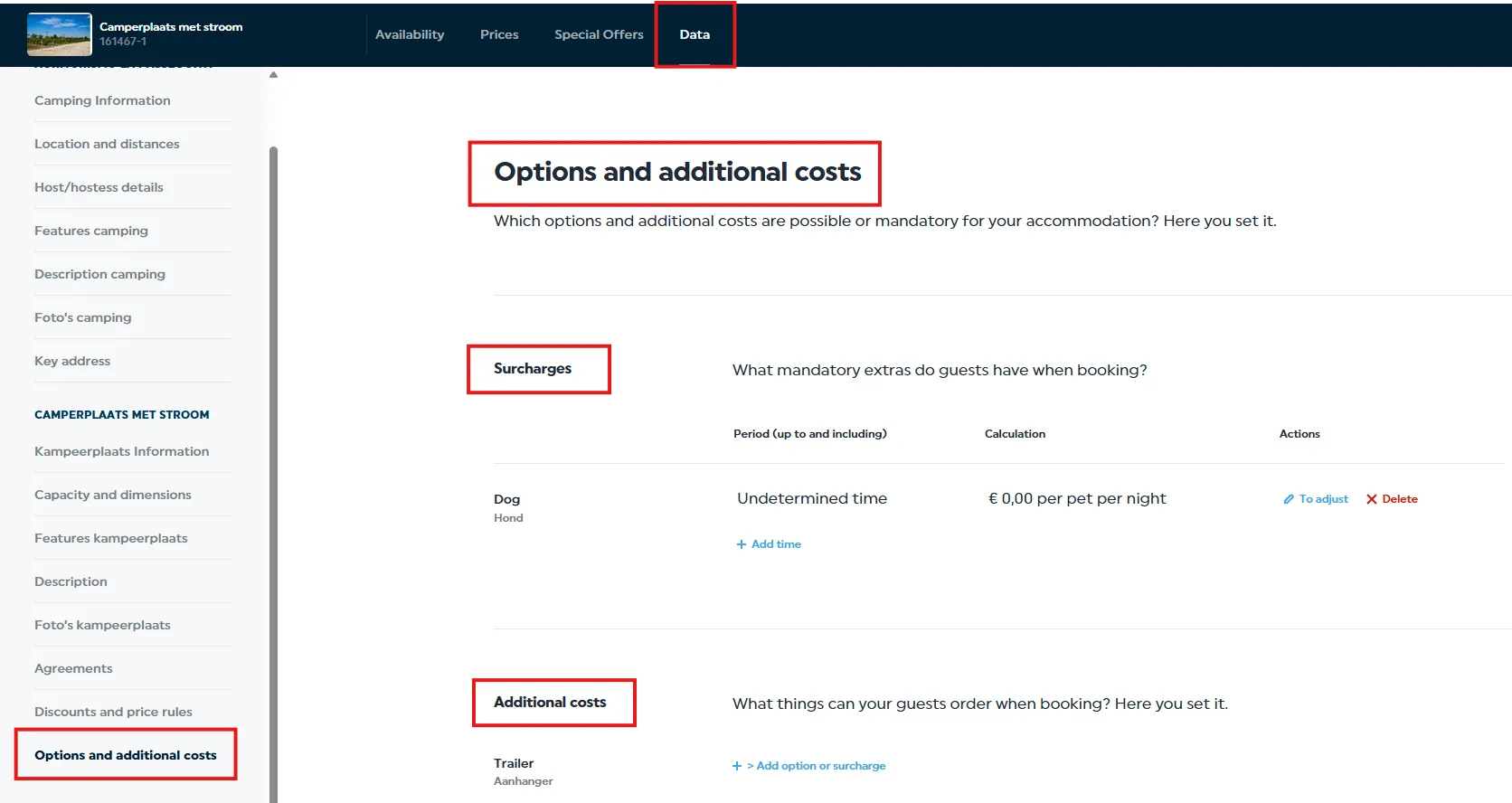


Do you use the Campercontact extranet? Then please enter your prices and availability for 2026 in Travelbase. Don't forget to include any surcharges and additional fees. (If you use iCall for availability, this is already synced automatically.)
👉 Follow these steps:
- Log in to your Travelbase account (Having trouble logging in? Let us know via business@campercontact.com)
- Go to the ‘Prices’ section.
- Scroll to the right until you reach the end of the price period and click Enter.

- You will reach a page where you can set different periods and prices. Update these with the correct rates.
- Do you use one price for the entire year? Then you only need to enter one period (always use prices in Euro).