

Step 1 – Select your location
Go to https://www.campercontact.com/en/subscription/buy-b2b-subscription.
Type your location name, city, or site code in the search bar and select your campsite from the list.
If your site is not yet listed, click the link that says Is your location not yet listed on Campercontact? Add the location via and continue with the registration.
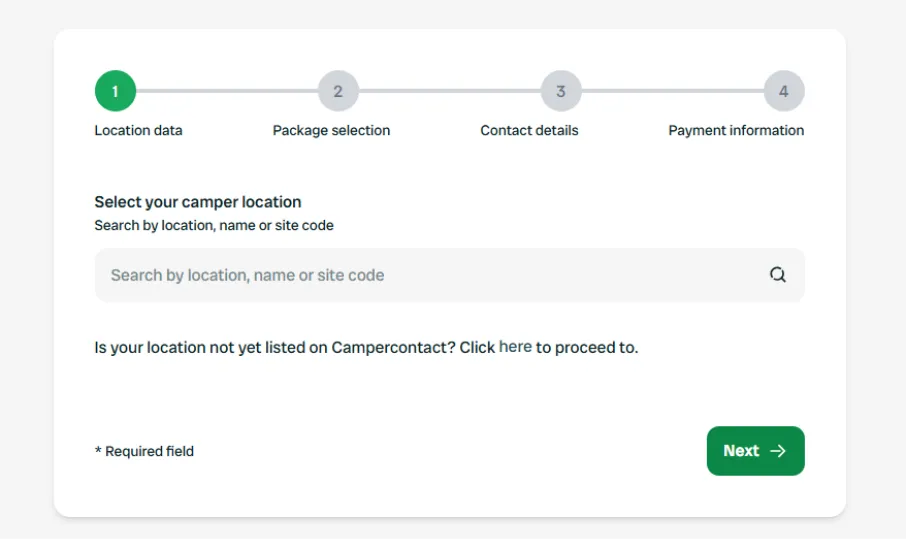
Once your location is selected, you’ll see a confirmation message. Click Next to move forward.
Step 2 – Choose your visibility package
Campercontact offers visibility packages to help you reach more motorhome travellers.
Our standard commission rate is 15%, which drops towards 10% depending on your selected package.
You can find more information about our packages here:
👉 https://business.campercontact.com/be-discovered
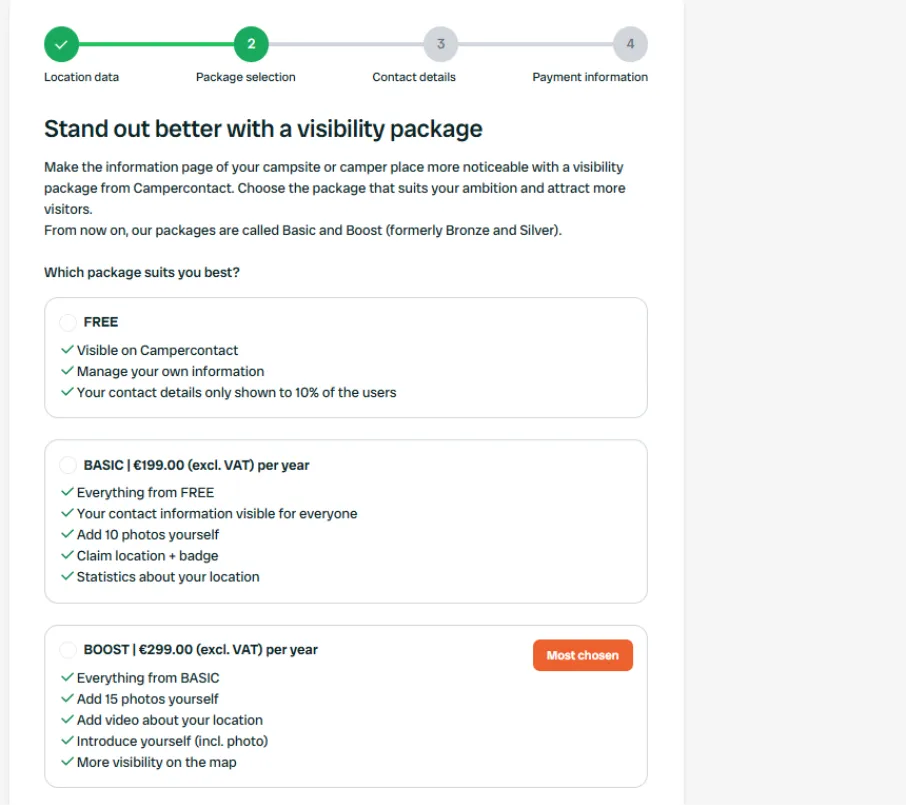
Then, choose:
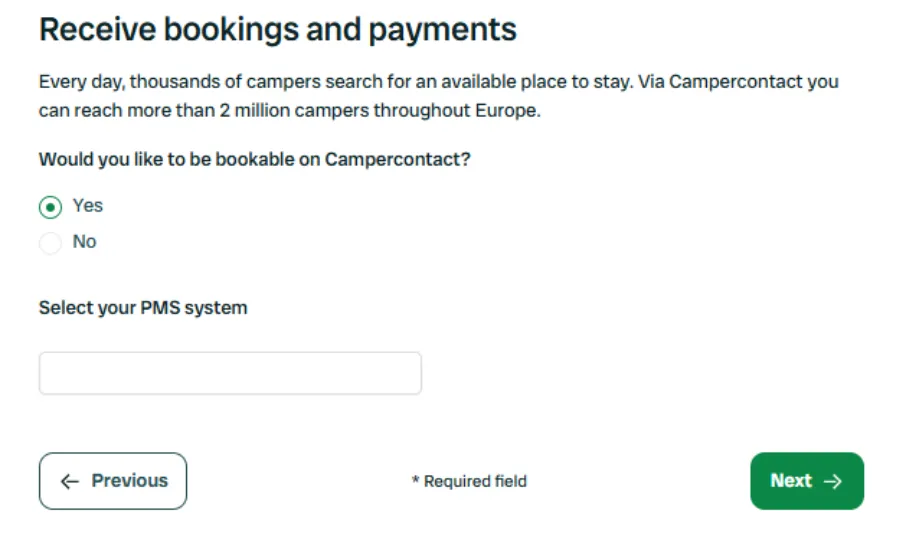
- Bookable – Yes: if you want to receive online bookings and payments via Campercontact.
Select your PMS system from the list.
Once you have selected your PMS, our team will request the data. If possible, please install your Campercontact channel in your PMS environment in advance.
The data will be retrieved and loaded into our system within 1 to 7 days. During this period, we will contact you for some additional information.
If you don’t have one yet, select I don’t have any or Other. Choose Other to manage your bookings through the Campercontact extranet.
- FREE: if you don’t want to select an extra package. The commission is 15% — no cure, no pay.
Click Next to continue.
Step 3 – Fill in your contact details
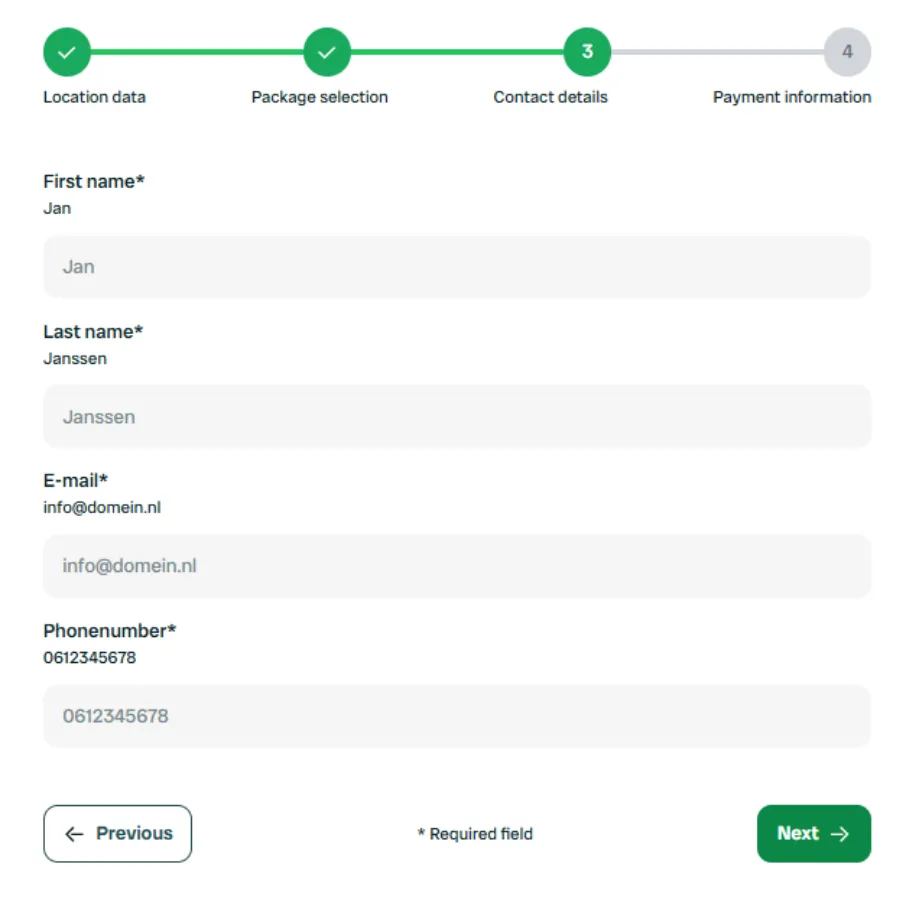
Enter your first name, last name, email address, and phone number.
These details will be used for your Campercontact business account and for any communication about your listing.
Click Next once your details are complete.
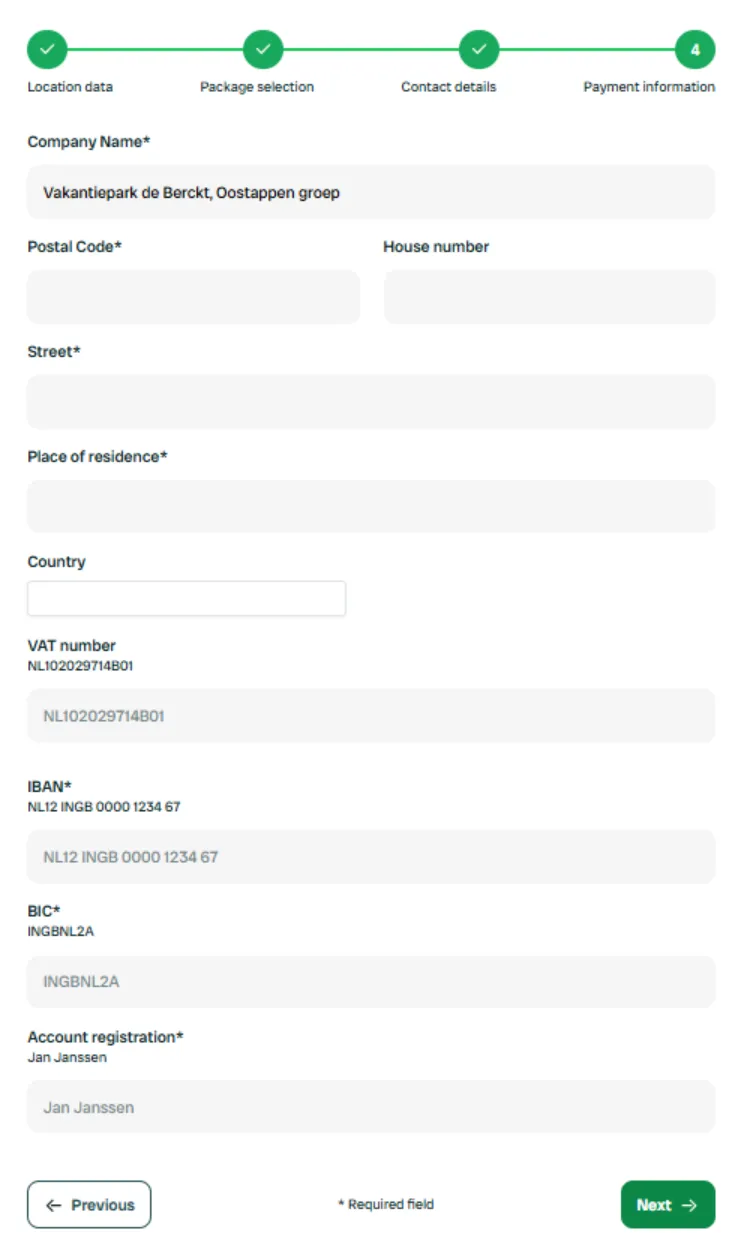
Step 4 – Add your company details
Most address fields will already be prefilled.
To activate your account, please also fill in the following:
- VAT number
- IBAN
- BIC
These details are needed to process your payments and payouts securely.
Click Next to continue.
Step 5 – Review and confirm your information
You’ll now see a summary of all your data, including:
- Location information
- Selected package
- Contact details
- Payment details
Check that everything is correct.
If you’ve selected a paid package, you can pay immediately or on invoice to activate it.
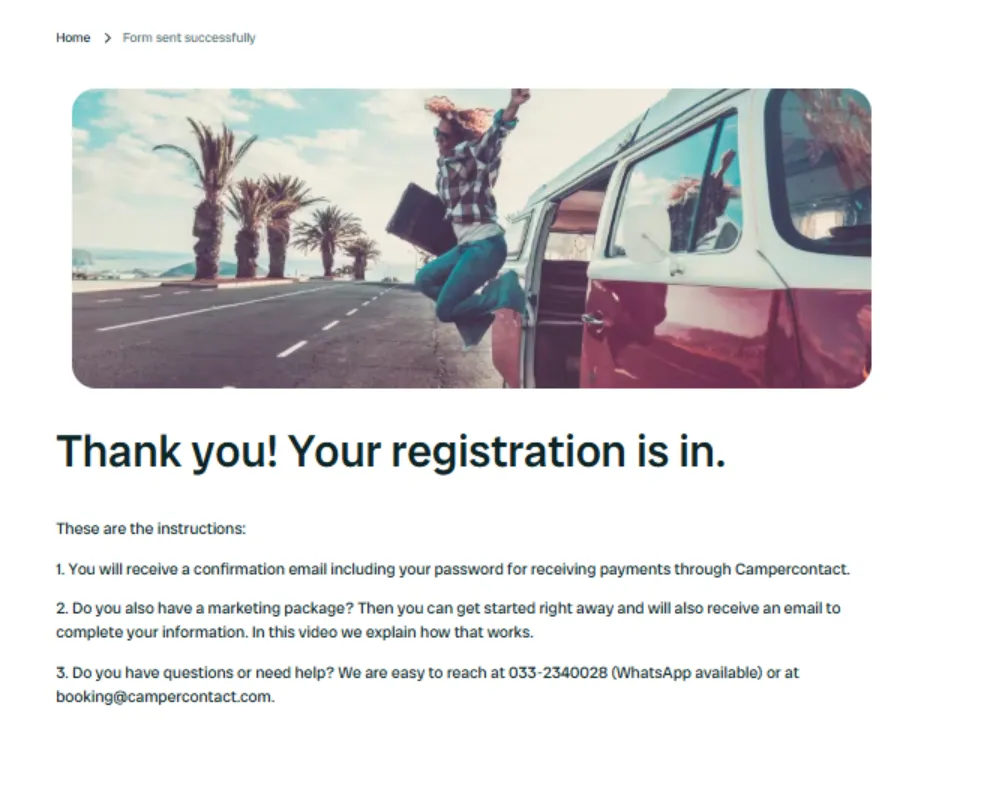
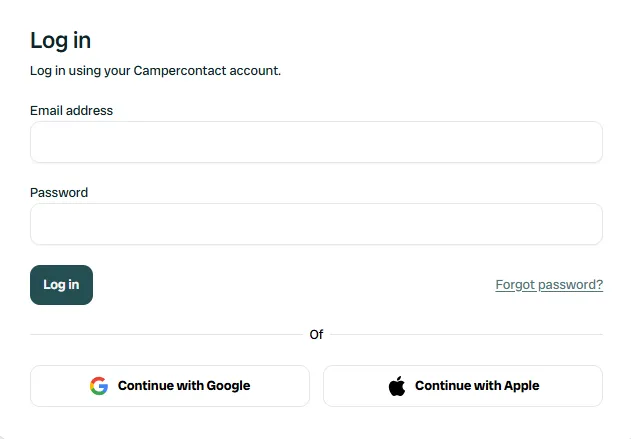
If you’ve chosen FREE, you’ll receive your login credentials by email within a few minutes.